Exciting news for all of our customers! We have consolidated our current Kiosk iPad App capabilities and feature requests into one single app. This means less management for you and a more enjoyable front desk experience for your members. Kiosk Mode includes many enhancements inspired by feedback from customers like you.
Android? iOS? It’s for everyone!
Unlike the Kiosk iPad App, you will be able to use Kiosk Mode on both your Android and iOS devices. Download the Staff App from either Google Play or the App Store to get started!
Cash payments, Simpler Than Ever
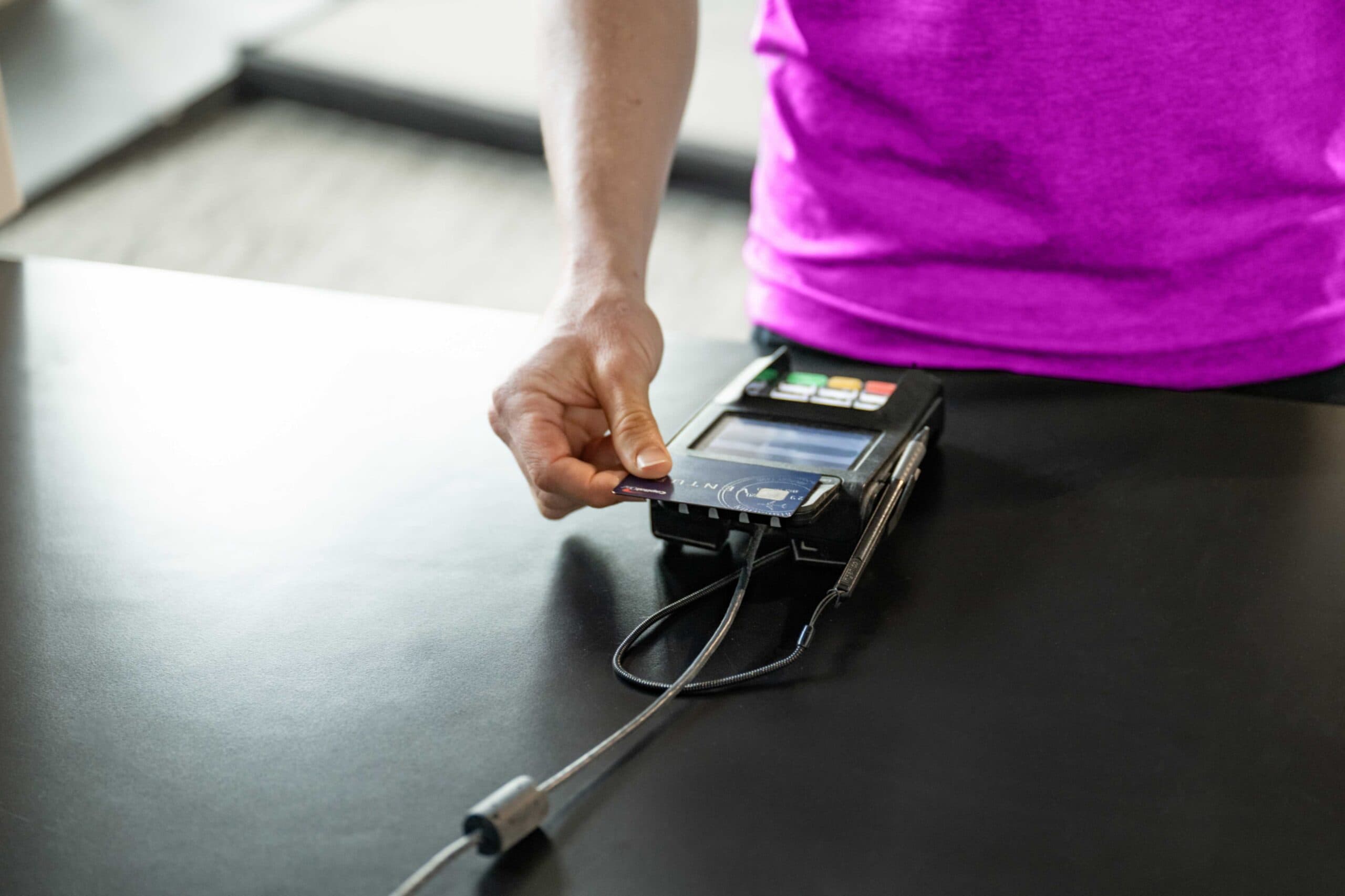
Offline and cash payments have been two of the most requested features. With Kiosk Mode, you can easily jump back into Staff Mode to process an offline payment.
Single tap check-in
Your current class of the day will automatically be highlighted and selected, allowing your members to simply walk up, find their name and check in with a single tap.

Ability to pay unpaid bills
If a gym member has an issue with their account (unpaid bills, unsigned documents, etc.), they will see an alert when they try to check-in. Within Kiosk Mode, they can resolve these alerts by:
- Signing documents
- Adding credit cards by using our new credit card photo capture feature
- Paying any outstanding bills allows you to be more at ease knowing bills and documents are taken care of!

Streamlined retail checkout
Save time by allowing your members to make retail purchases on their own. On top of our existing member checkout, we have also introduced a more streamlined guest option. Regardless of the person’s status in Zen Planner, your prospects, alumni, students and now, guests can check out in a breeze without having to remember their password. When they choose “checkout” they can select “Check Out as Guest” to enter payment information, making retail purchases easier than ever before.

| Feature | Before Kiosk Mode | After Kiosk Mode |
|---|---|---|
| Platform Support | Only supported on iPad | Supported on both Android and iOS |
| Cash Payments | Not available | Offline and cash payments available |
| Check-In Process | Manual selection for check-in | Single tap check-in for highlighted class |
| Account Alerts | Handled by staff, no direct alerts | Alerts for unpaid bills or documents; members can resolve |
| Retail Checkout | Member-only checkout, requires login | Streamlined checkout for guests without login |
Need Help? Reach Out Here
If you need help accessing Kiosk Mode, or have any questions or suggestions for us, please reach out to our Customer Advocate team at help@zenplanner.com or at 866-541-3570
Interested in learning more about Kiosk Mode and the Zen Planner Software Suite? Schedule your demo with one of our Software Specialists today!